 Imago
 ImagoChem
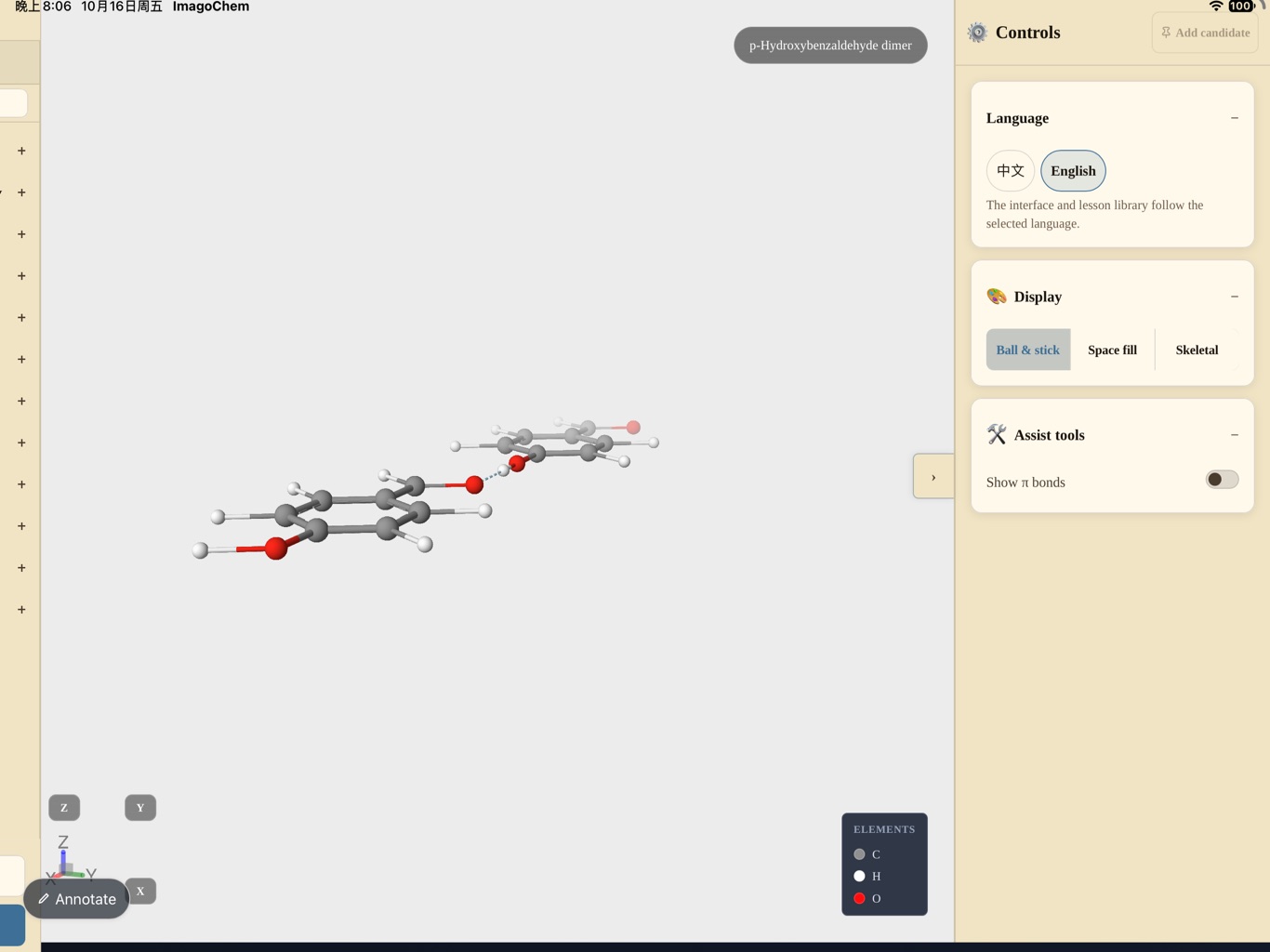
Molecules and crystals, electron-dot formulas and orbitals, ionic reactions and electrochemistry, organic reaction storyboards, 3D apparatus. The structures that are hardest to describe become something you can rotate.
Explore ImagoChem →IMAGO · TOOLS FOR TEACHERS
Chemistry, physics and mathematics — three 3D visualization and lesson-planning tools for secondary-school teachers. Molecules and crystals, forces and fields, functions and geometry: rotate, drag and step through them in class. Fully offline, one-time purchase.
Choose by subject. Mac and iPad editions are sold separately.
ImagoChemMolecules and crystals, electron-dot formulas and orbitals, ionic reactions and electrochemistry, organic reaction storyboards, 3D apparatus. The structures that are hardest to describe become something you can rotate.
Explore ImagoChem →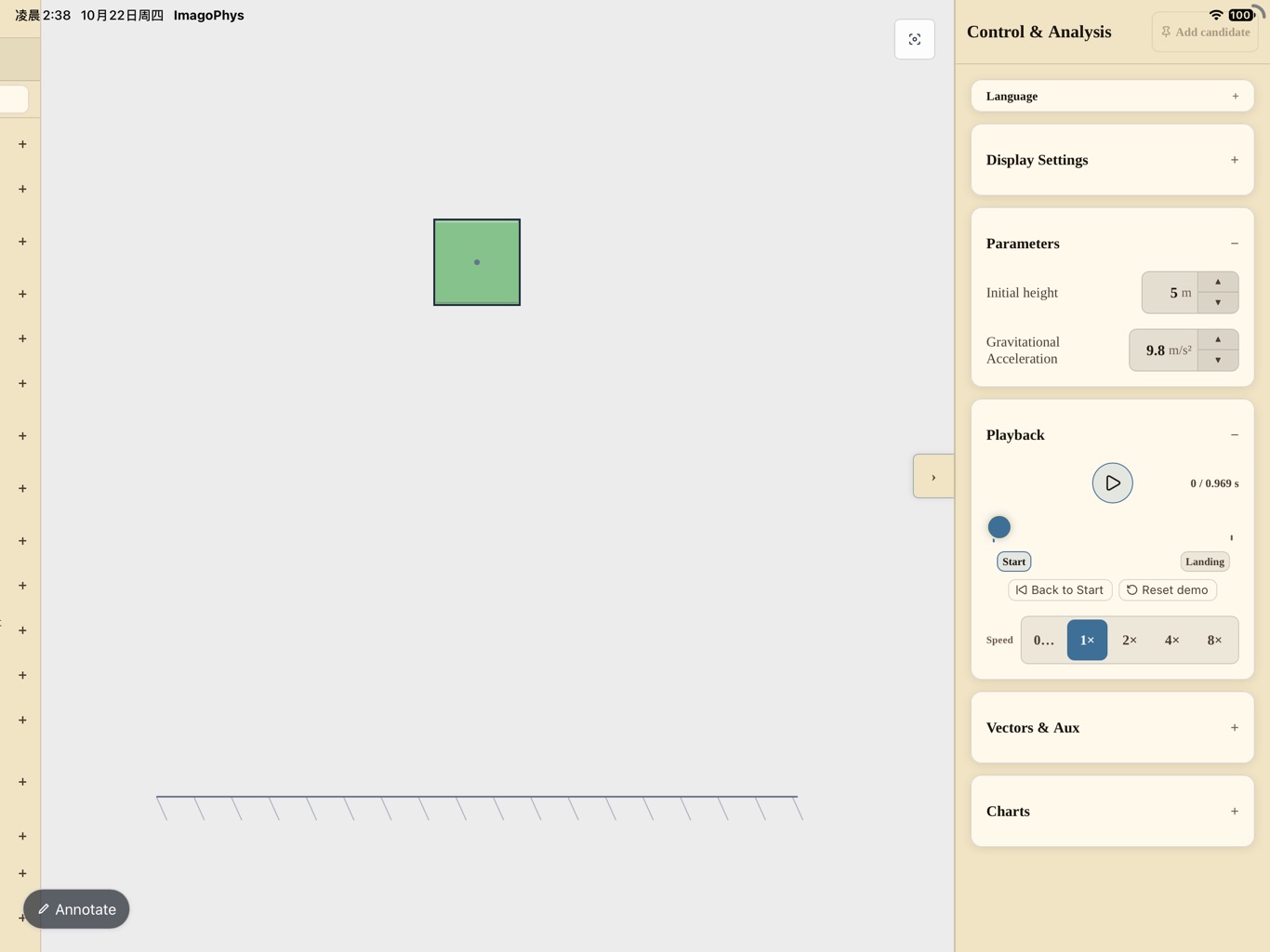
 ImagoPhys
Draggable mechanics scenes, kinematics and force analysis, circular motion and critical cases, electromagnetic induction and charged particles, 3D orbits. Change a parameter and the picture recomputes at once.
Explore ImagoPhys →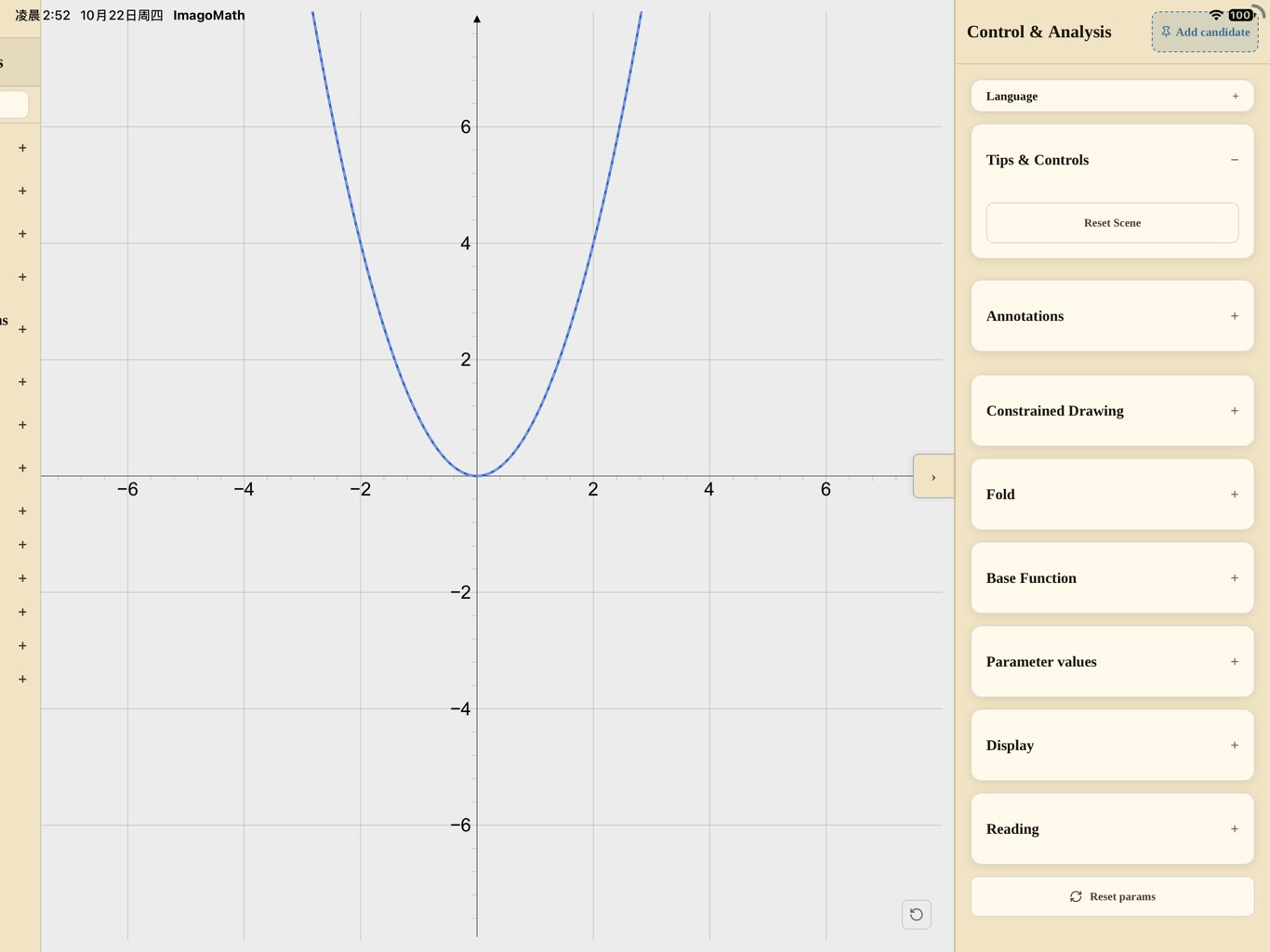
 ImagoMath
Function graphs and transformations, the unit circle and trigonometry, vectors and complex numbers, sequences and recurrence, solids and nets, conics and statistics. A geometry board that keeps up with the lesson.
Explore ImagoMath →Not a textbook on screen — the picture itself becomes the blackboard.
The Mac edition is the full planning and teaching workstation; the iPad edition is the classroom control surface — mirror the picture to a display and annotate with Apple Pencil.
Arrange the scenes, slides and snapshots for a lesson, then return to class in one tap.
Save a demonstration sequence as a deck; save key frames as snapshots for later.
Drag objects, anchors and vector arrows; the interaction drives real physical quantities, not texture offsets.
Type, colour and controls serve classroom legibility rather than stealing attention.
No. The core features run entirely on your device; you can demonstrate, plan lessons and edit decks offline.
No. There is no account system and no advertising, analytics or tracking SDK. Preferences, lesson decks, snapshots and annotations stay on your device.
Yes. They are separate apps and are sold separately; lesson decks and snapshots move between devices on the same platform where the system allows.
The Mac edition requires macOS 12 or later; the iPad edition requires iPadOS 15 or later and a 10-inch or larger screen is recommended.